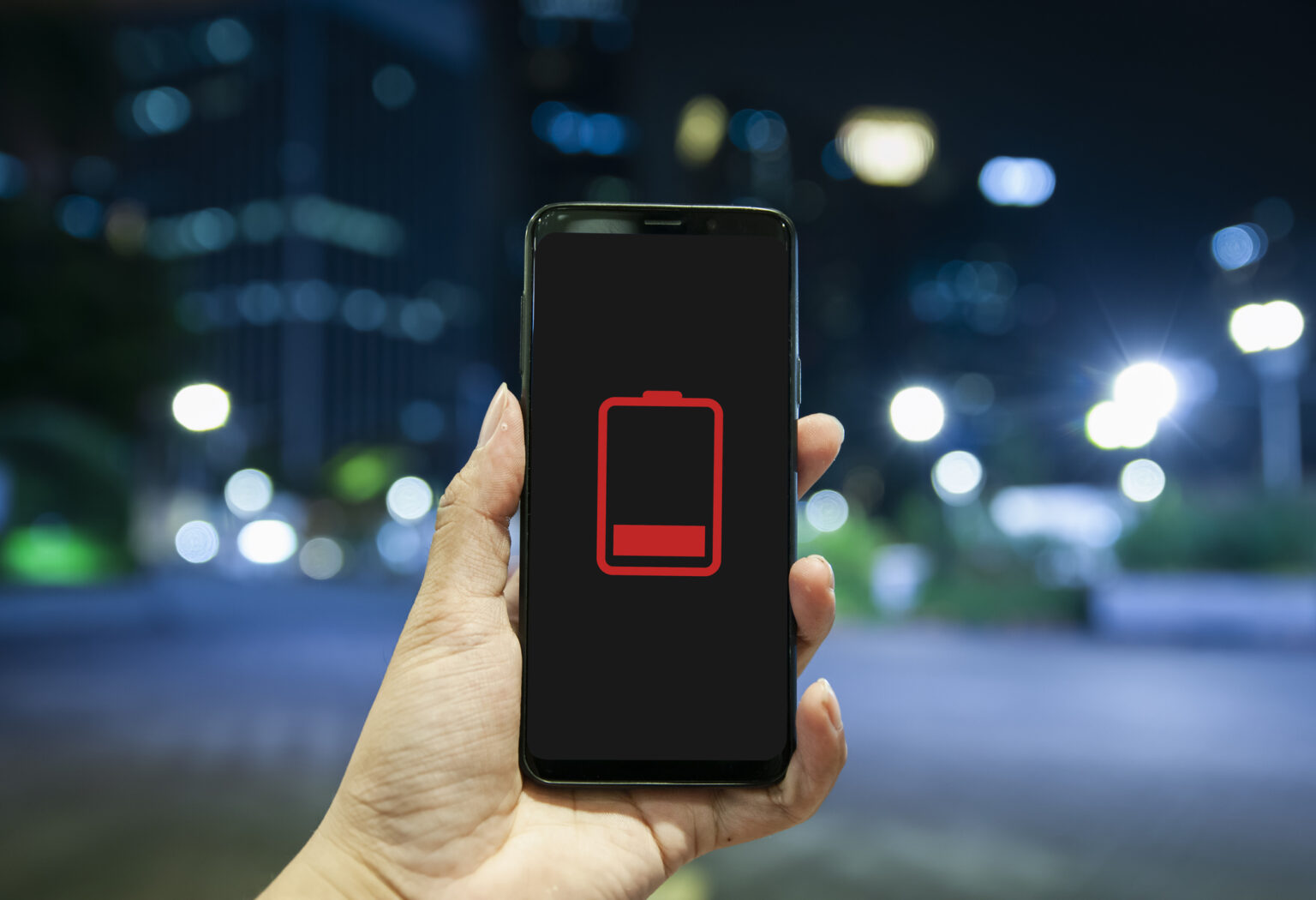
If you’re that person whose phone battery is always on 1%, this is for you.
“Can’t talk now, my phone’s about to die.” Did you read that in your own voice? Because everyone who knows you, knows that’s kinda your catchphrase? Well, your days of being that person might be over. Here are five surprising things that may be draining your phone battery – and how to stop the suck.
1. Your screen is too bright
It’s not only your apps draining your phone battery (although they might be – see point 3), your screen could also be the culprit. When your screen is on its brightest setting, your display has to work harder, which takes more battery power.
Fix it: In Settings, lower the default brightness of your display, and consider switching to dark mode. You may find a dimmer screen kinder on the eyes too.
2. You obsessively shut down your apps
Having lots of apps open in the background must surely drain your phone battery, right? In modern times, not necessarily. While this was true of early smartphones, these days, most of the big manufacturers design phones to keep background apps in “idle”, so they don’t drastically drain capacity. Constantly shutting apps down and then restarting them again may actually use more battery life than keeping them open.
Fix it: Instead of shutting frequently used apps down and then relaunching them a few minutes later, keep them open and toggle between them.
3. You’re using battery-heavy apps
That being said, some apps use more phone battery than others. Unsurprisingly, social media is often a culprit. But your TikTok habit may not be the only drain. Apps that run processes in the background – like email and photos – tend to be battery vampires, too.
Fix it: In Settings, select “Battery” to see which apps are using the most power. Delete any you no longer need and, if necessary, disable background refresh on the biggest culprits.

4. You have GPS enabled for everything
If you’ve ever gone on a road trip with your maps app guiding the way, you’ll know how GPS sucks the life out of your phone battery. But it’s not only navigation apps that use GPS – many apps use your location to improve their services. If you allow them all to use your location all the time, that’s going to eat your battery power pretty quickly.
Fix it: Only enable location for apps that really need it and only while you’re using the app. Alternatively, keep location services toggled off in Settings and only toggle it on when required.
5. Your phone battery is old
As batteries get old, they stop holding charge like they used to when they were new – especially if you regularly let your battery die to 0%.
Fix it: You should be able to check the health of your battery by selecting “Battery” in Settings. If your battery’s maximum capacity is low, it’s time to invest in a new battery. Vodacom repairs different types of phones on any network. Find out more here. Preserve battery life by keeping your phone between 20 and 80% charged and don’t let it drop to 0%.
With a few tweaks to your settings and habits, you may find your phone battery lasts so much longer! Of course, if you’re just routinely forgetting to charge your phone, well, that one’s on you.