Five easy steps to getting ready for your Vodacom fibre-to-the-home (FTTH) installation.
Getting fibre internet installed at home isn’t exactly plug-and-play, but it doesn’t have to be a big drama either. From identifying the best route for the cable to finding the right spot for your router, there are a handful of steps you can take to make the process easier and quicker for the installation team.
Starting with…
1. Choose a location
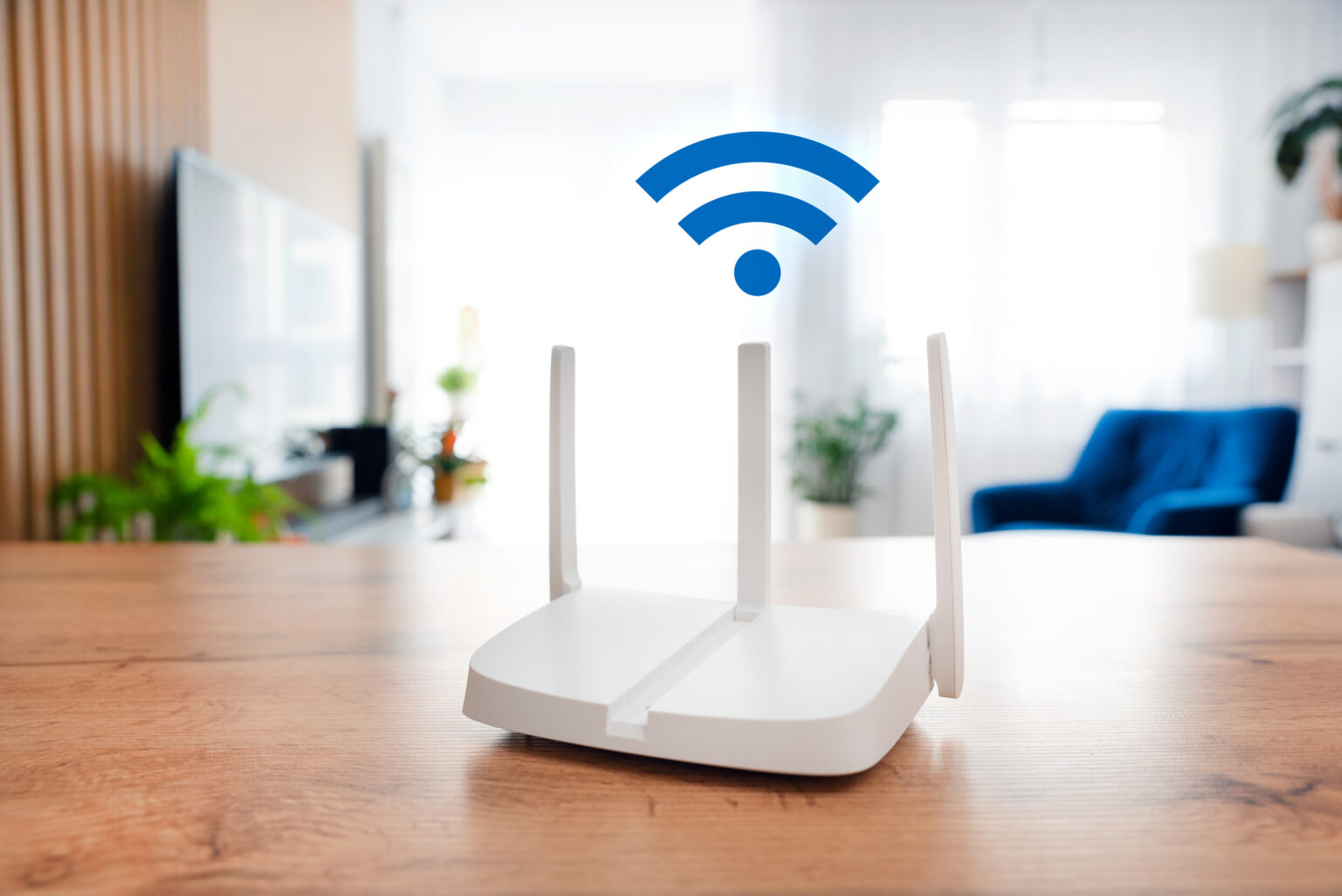
First, you’ll need to pick a spot for your Optical Network Terminal (ONT). That’s the small box that the fibre cables plug into. Choose a location that’s near a plug point, away from excessive heat or moisture, centrally located for good WiFi coverage, and not hidden behind heavy furniture (which’ll kill the WiFi signal).
You’ll need one open plug point for the ONT and one for your router, so consider getting a multiplug – and try to get a surge protector, in case the power suddenly goes off or on (as it does during loadshedding). While you’re strategising your ONT/router location, think ahead and map out whether you’ll want to install WiFi extenders later.
2. Clear a path
FTTH installers usually run fibre cables through a wall, a window frame, or an existing conduit (such as an electrical conduit or an old phone line). The technicians will need to move between the street outside and the room inside where the ONT is being installed. Pick an entry point and move any plants, furniture, or storage items so the technicians can work quickly and safely. Trim back bushes in the garden or creepers on the wall if necessary.
3. Check the routes
Where do you want your fibre cables to run? Do you want them coming in along the skirting or across the ceiling? Can the cable run through internal conduits, like that old phone line? Decide on what you prefer ahead of time, rather than trying to figure it out when the technicians arrive. Fibre installers appreciate clear guidance – and of course, they can offer an opinion if you ask.
4. Settle your pets
Installing home fibre involves people you don’t know (the technicians) coming into your home. Pets and small children can get stressed or upset by unfamiliar visitors, so make things easier for everyone by keeping your animals (or kids) in a secure room or area until the job is done. You really don’t want a dog bolting out the front door and down the street while the technicians are working.
5. Prep your password
Once the hardware is installed, Vodacom’s technicians will configure the router and make sure your super-fast fibre connection is up and running. Every Vodacom router has a default SSID (Wi-Fi name) and a default Wi-Fi key (password). While the technicians aren’t required to customise those or change them to something you’ll remember, they’re usually more than happy to do so. Just make sure you know what you want your WiFi name and password to be – and make sure that password is strong!
Browse our latest stories to for more tips to make tech easy for you.