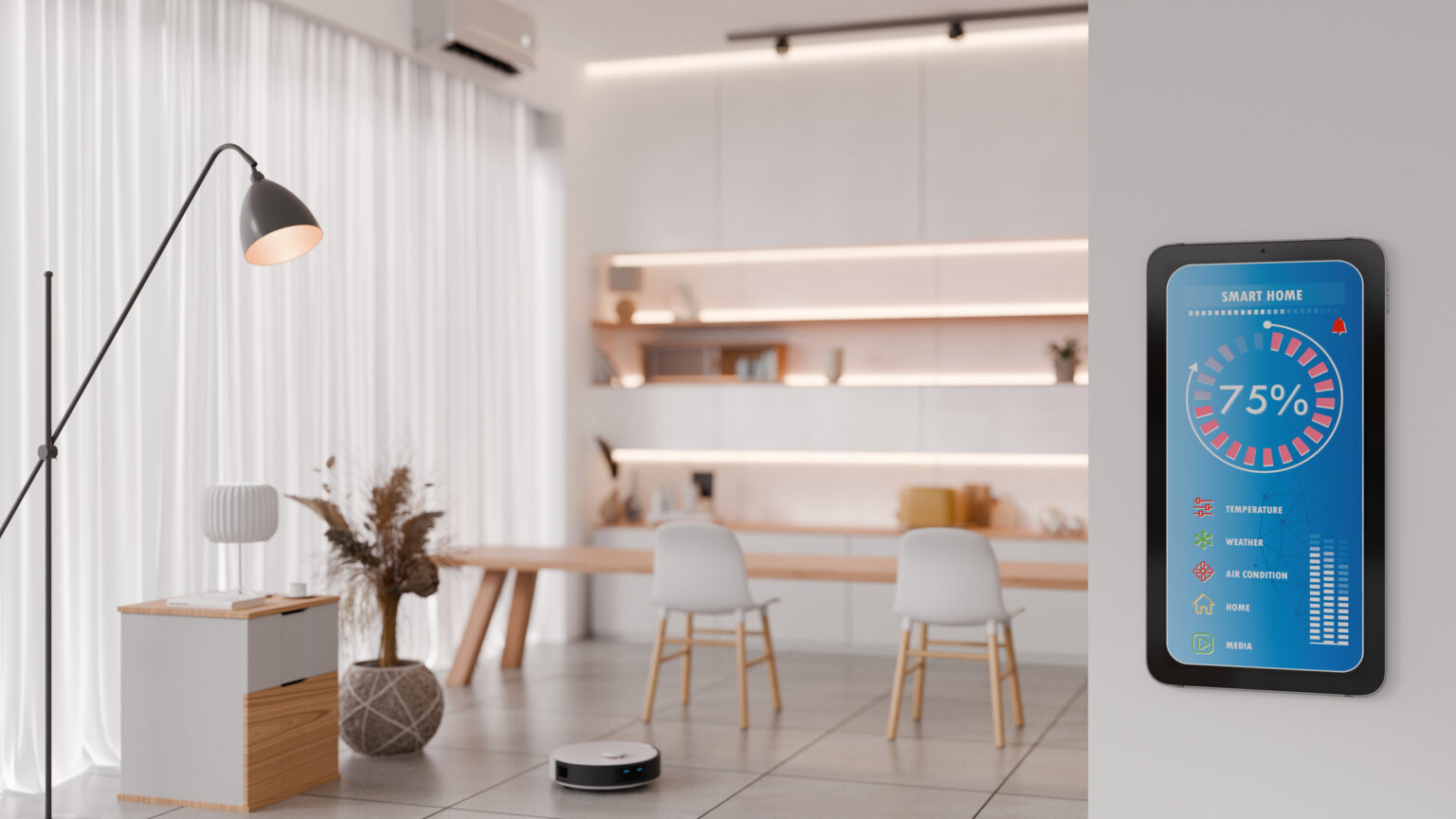
Why your smart home’s network is slow, and how to fix it.
Smart homes run on smart devices. But while your smart devices matter (lights, cameras, air fryer and more), what matters even more is the network behind it all. Smart homes run on data – and that data has to move quickly.
Sometimes it doesn’t, though. When your smart gadgets and connected devices lag or stop responding, it can quickly become frustrating. Here are some reasons why that could be happening, and what to do if the network that’s running your smart home starts slowing down.
1. Boost Your Weak Wi-Fi Signal
If your devices are too far from the router or there are too many walls between them, they’ll constantly try to reconnect to the Wi-Fi, which will slow down the whole network. If distance is the problem, then a Wi-Fi extender or mesh node is a simple solution. Install one to give those rooms (and devices) at the back a stronger signal. If walls/barriers are the problem, then consider moving your router to a more central spot.
2. Update Your Outdated Router Firmware
Your router is a device – and, just like your printer or graphics card, its driver may need to be updated. If your router’s firmware is outdated, your network will be slower. Log in to your router’s settings and check for firmware updates. While you’re there, enable Auto-Update so that you never have to worry about this again.
3. Ease Your Smart Device Overload
Do you have loads and loads of connected devices? If so, your smart home’s slow network could be due to a traffic jam. Every lightbulb, doorbell, speaker, camera, lamp and vacuum cleaner uses Wi-Fi, and when you add them all together, they could be choking your network. Here’s a quick (but slightly technical) fix: move your low priority devices (bulbs and sensors) to the 2.4 GHz band, and keep your high demand devices (TVs, laptops) on 5 GHz. That’ll clear the lanes on your network highway, putting fast devices in the fast lane and slow devices in the slow lane.
4. Tweak Your Security Camera
For pretty much their entire existence, your security cameras will record 4K-resolution images of… not much. An empty back garden. The nothing that happens all day long behind your shed. But all those high-res video streams can saturate your upload bandwidth, making everything else lag. Fix this by lowering your cameras’ recording resolution, or by setting them to record only when you’re away or to record/upload on motion only.
5. Check Your Wi-Fi For Electrical Interference
And so we come back to where we started, with the placement of your router. If yours is located in your kitchen, sitting next to or near to your microwave or fridge, then that could be what’s slowing down your network. Major electrical appliances are like noisy neighbours on the radio spectrum: they don’t interfere on purpose, but they do create just enough electrical “buzz” to mess with your WiFi’s clarity. What we’re saying is, the problem with your smart home’s network may be your router… and the problem with your router may be the microwave that’s sitting right next to it.
Browse more articles to experience tech made easy – from tips and tricks to tech gadgets to level up your lifestyle.