
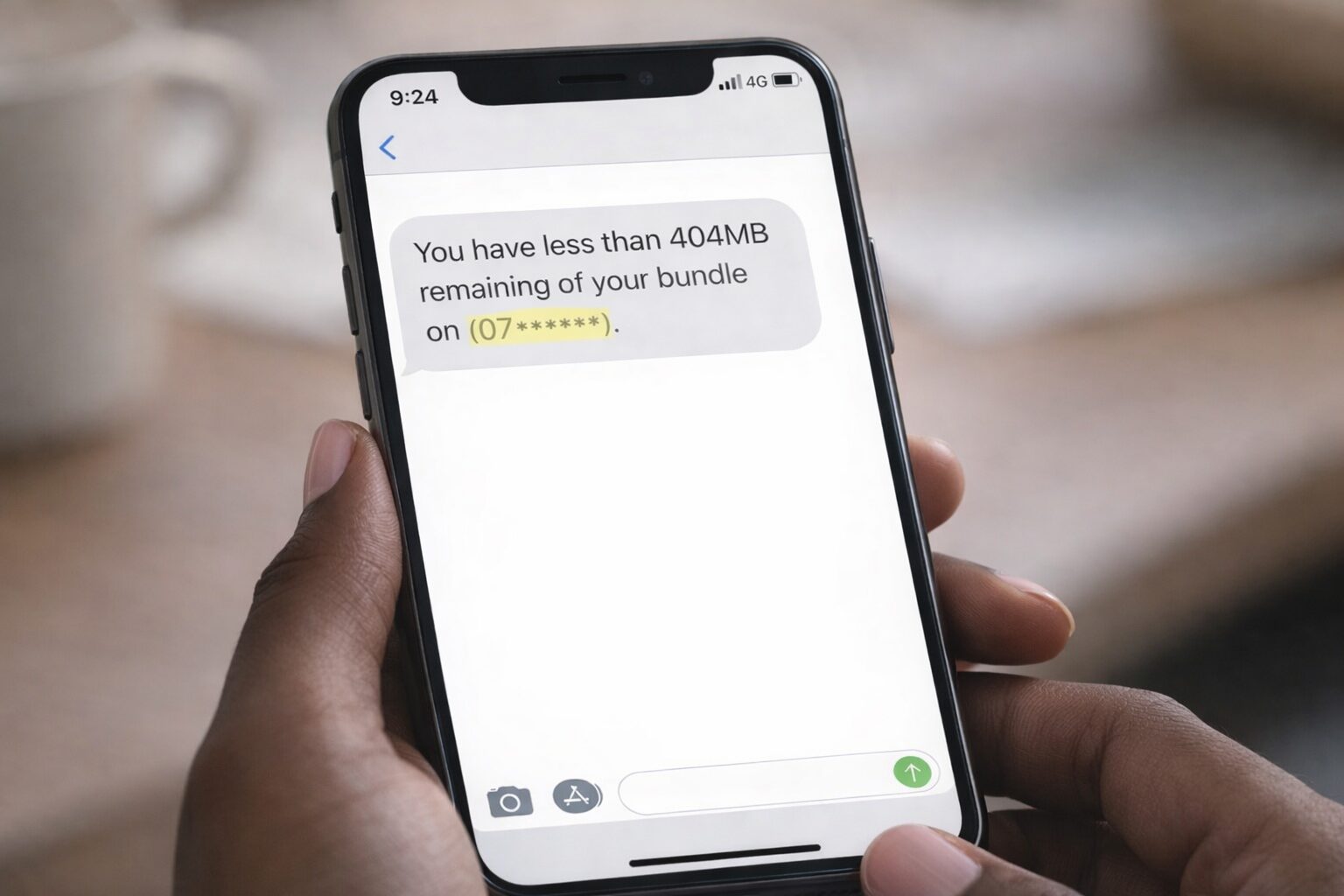
We’ve all been there, you check your phone and your text lingers on one tick for a bit longer, your reels buffer before they play and that dreadful “low data” SMS follows. Your monthly data bundle is running low a few days shy from pay day. Suddenly, every scroll, stream, and download feels like skating on thin ice.
With a few smart moves, you can stretch your remaining data further than you think.
Here’s how to make it last:
1. Download While You’re on Wi-Fi
Anytime you’re connected to Wi-Fi (whether at home, school, work, or a friend’s place) take advantage of it. Pre-download your music, podcasts, YouTube videos, and favourite shows so you can access them offline later. Having readily available entertainment options will make it easier to resist the urge to scroll and waste even more data.
2. Turn On Data Saver Mode
Your smartphone most probably has a built-in data saver setting, and it’s there for moments exactly like this. Turning it on limits background data usage and reduces how much data apps consume. Apps like Instagram, Facebook, and TikTok are especially data-hungry, so this setting helps keep them in check.
- For iOS devices: Go to Settings > Mobile Service > Mobile Data Options > Under Data Mode, select Low Data Mode.
- For Android devices: Open Settings > Tap Network and Internet Connections > Look for the Data Saver and tap the toggle to turn it on.
3. Restrict Background Apps
Some apps use data even when you’re not actively using them. Go into your phone settings and restrict background data for non-essential apps. Do you really need your shopping app refreshing constantly? Probably not.
For iOS devices: Go to Settings > General > Scroll down to Background App Refresh and turn off the toggles for apps that don’t need to refresh constantly.
For Android devices: Go to Settings > Apps > Go to the respective app name and toggle off “Background data.”

4. Lower Your Streaming Quality
Streaming in HD might look great, but it eats through data quickly. Switch your video and music streaming apps to lower quality settings. The difference in quality is often barely noticeable on a small screen, but the data savings are significant. You can switch your streaming quality in the app you’re watching – look out of the settings gear icon.
5. Avoid Auto-Downloads and Updates
Turn off automatic app updates and media downloads on apps like WhatsApp. Those background downloads can quietly drain your data without you even realising it. Set updates to “Wi-Fi only” so you stay in control.
6. Track Your Usage
If you don’t know where your data is going, it’s hard to manage it. Check your data usage in your phone settings to see which apps are the biggest culprits. Once you know, you can adjust your habits accordingly.
Running low on data doesn’t mean you have to go completely offline. With a bit of planning and a few quick setting changes, you can stretch what you have and stay connected until payday. It’s all about being intentional with how and when you use your data.
Browse our latest stories to experience tech made easy.