
We all know that walls get in the way of a good WiFi signal. But what if we told you that walls are just the beginning and scattered around your house are everyday household items that are silently sabotaging your internet speed. Above all else, most have no idea what these items are doing and just go about complaining about slow internet. Discover what everyday items are interfering with your connection, and three fixes that will boost speed.
The Science Behind the Struggle: What Is WiFi Signal Made Of?
WiFi signals are radio waves, and all radio waves can be reflected, absorbed, or disrupted by the objects around them.
The three biggest culprits are:
- Metal: These reflect signals away from their intended destination
- Water: This absorbs radio waves
- Household appliances: These emit competing electromagnetic noise or share the same frequency as your router.

What Are the Usual WiFi Blockers in Your Home?
Metal Objects and Appliances
The fridge, oven, washing machine and even the security gate are all bouncing your WiFi signal in the wrong direction. But most surprisingly, the metal chassis inside a smart TV can block the signal almost entirely, so where you position your devices really does matter.
Water Features
That beautiful fish tank in your living room isn’t just home décor, it’s also a barrier for your broadband. Large water features and fish tanks absorb and scatter wireless signals, weakening your connection in their immediate vicinity more than you realise.
Mirrors
Like what you see when you look in the mirror? Well WiFi signals love to reflect off mirrors too. This is because of the thin silver or aluminium backing in the mirror, which reflects and significantly weakens signal strength, particularly in rooms with multiple large mirrors.
Wireless Devices and Electronics
Microwave ovens, cordless phones, baby monitors, and even Bluetooth accessories like wireless headsets and mice are all competing for space in the already overcrowded 2.4 GHz frequency band. Every time your microwave runs or your baby monitor activates, it creates electromagnetic interference that directly impacts your WiFi performance.
Dense Building Materials
Concrete walls – especially those reinforced with steel – thick bricks, ceramic tiles, and metal-mesh-reinforced plastering are among the most signal-resistant materials found in South African homes, creating dead zones that even the strongest routers struggle to penetrate.
How to Fight Back
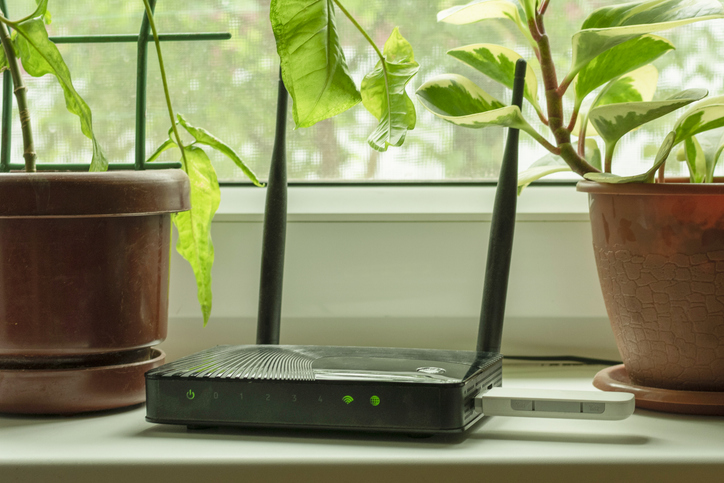
Start by positioning your router in an open, central location, away from metal appliances, mirrors, and dense walls. Switch your devices to the 5 GHz band to sidestep interference from common household electronics. And wherever possible, reduce the number of physical barriers between your router and the devices you use most.
But if you’re tired of playing musical chairs with your router, there’s a smarter solution. Vodacom’s SuperWiFi Mesh Network eliminates dead zones and signal drop-offs by distributing your connection across multiple nodes throughout your home – delivering fast, reliable WiFi to every room, regardless of what’s standing in the way.
Browse our latest stories to experience tech made easy.