
You check your phone before settling in to work… scroll through a few LinkedIn posts, reply to some WhatsApp messages and check statuses. Just as you get into your lunchtime browsing, you get that dreaded notification: your data is almost depleted.
How, when you just recharged yesterday?
If this is the bane of your existence, worry not. A few simple changes can help you take back control of your data.
1. Check if your apps are using data when you are not using them
Many apps refresh in the background so that new content is ready when you open them. Convenient? Yes. Necessary for every app? Not always.
- On iPhone devices, go to Settings > General > Background App Refresh and choose which apps can refresh in the background.
- On Android devices you can set a blanket background app restriction by going to Settings > Network or Connections > Data Saver and toggle on Use Data Saver. Or you can manually restrict background activity for specific apps under Settings > Apps > Select the app > Mobile data and WiFi and toggle off Background data.
Think about the apps you rarely use. Do they really need to refresh throughout the day? Probably not.
2. Turn off automatic app updates
Automatic app updates can quietly use your data, particularly if several apps need updating at once. Check your app-store settings and make sure updates are configured to happen over Wi-Fi where possible.
- On iPhone, you can review your settings under Settings > Apps > App Store, then toggle off automatic updates.
- Android users can manage update preferences with the following steps; open the Google Play Store app, Profile > Network preferences > Auto-update apps, then select ‘Don’t auto-update apps’ and tap ‘Done.’
This simple change means large updates are less likely to surprise you when you are relying on mobile data.
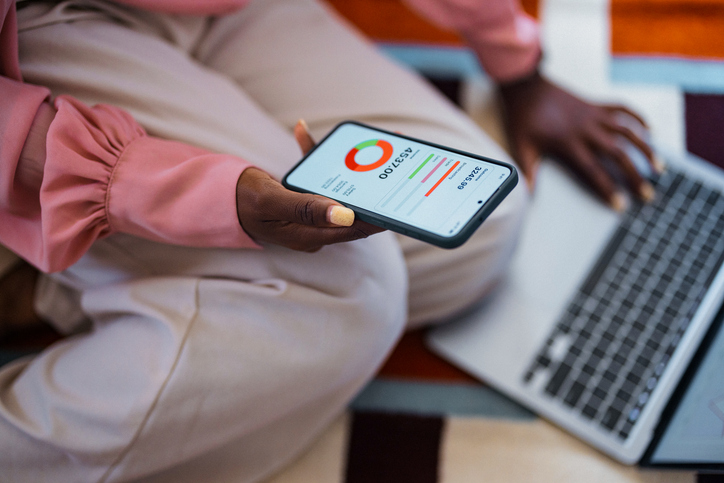
3. Track which apps are using the most data
If your data seems to disappear faster than expected, it is worth finding out where it is actually going.
Both iPhone and Android devices allow you to check mobile-data usage and see which apps are consuming the most. You might discover that one video-streaming app, social-media platform or cloud service is using far more data than you realised. Learn more about how to track your data usage.
You can also keep an eye on your Vodacom usage through the VodaPay App, making it easier to stay aware of how much data you have left rather than waiting for the dreaded low-data notification.
The next time your data disappears faster than expected, don’t immediately assume you need to stop using your phone altogether. Start by checking what is happening behind the scenes. A few changes to background activity, automatic updates and your usage habits could help your data go further.
Browse our latest stories to experience tech made easy.