Think QR codes are safe? Think again. Fraudsters are now using malicious QR codes to steal your personal data. Learn how to spot the warning signs and protect yourself.
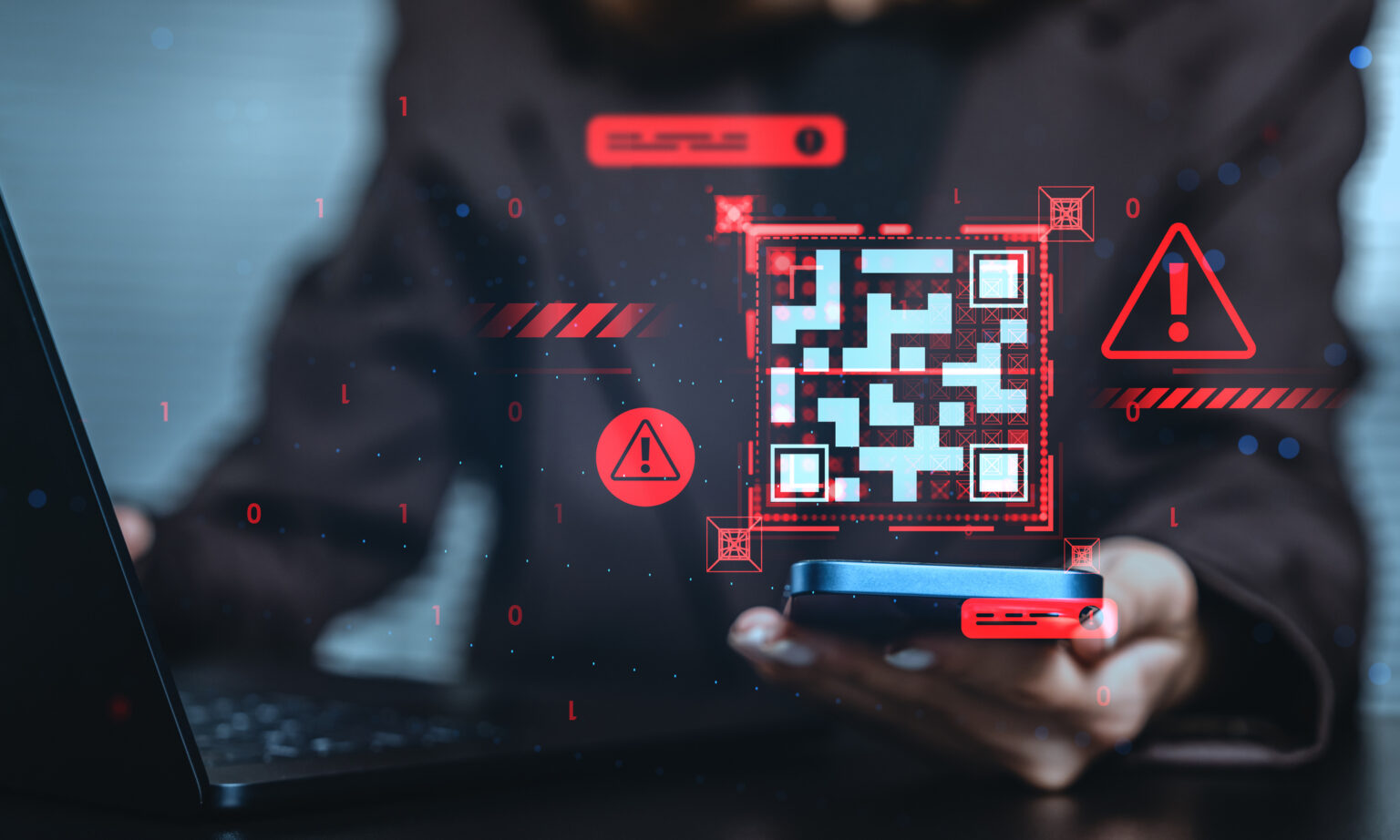
Fraudsters are always coming up with new ways to scam people and so – someone is always coining new terms to sum up their schemes. Quishing… the term sounds like a dance move – but if you fall victim there’ll hardly be any reasons to dance. Quishing also known as QR code phishing is a cyberattack whereby criminals create and distribute malicious QR codes to steal sensitive information or deliver malware.
How does quishing work?
QR codes generally make life easier, we use them for scan-to-pay, opening websites without typing out a URL, and browsing menus without having to share or wait for one. Research shows that the use of QR codes increased after the Covid-19 pandemic, which makes sense because no contact meant less spreading.
Quishing happens quite easily and that’s why you need to take extra care before you scan any QR codes.
- Scammers create QR codes that lead to unsafe sites, fake WhatsApp Business chats and they put up these QR codes in place of legit ones found in restaurants or public boards and posters.
- Users scan the malicious QR codes under the impression that they are accessing a legitimate site to make a payment, sign up for something or check out a website.
- Lastly, operation cyberattack is underway. Depending on where the QR code leads to – a payment link to steal your financial info, a chat to sell a scam, a form to collect your personal info or malware to hack into your mobile system – this is the point where your next move matters.
How to identify a quishing attack?
- Tampering: Does the QR code you are scanning look like it has been tampered with, like it has been plastered over another one? If so, then it’s probably a scam.
- Urgency: One thing about fraudsters, they are desperate and will create a false sense of urgency to get you to act as fast as possible. If it’s a deal that expires in half an hour, a tacky prompt that schizophrenically reminds you to action something on a website, it’s probably a scam.
- Suspicious websites: Once you have scanned the QR code, check that the site it leads to is relevant and credible. If you’re scanning a QR code for more info and it leads to a payment link or a form – it’s probably a scam. Double check for spelling errors, does the website load with warnings, does the branding look right?
Use the TUS (T for tampering, U for urgency and S for suspicious) check to spot quishing attempts.
How to prevent falling victim quishing?
Be vigilant. Before and after you’ve scanned a QR code, do a mental checklist of the TUS signs. Also, be sure to trust your intuition, if you have a sense that something is not right, close the webpage.
You could also install an antivirus software on your mobile phone to help keep you safe. Kapersky and Norton have options for Android and iOS from R299 per year.
Want more? Listen to our podcast, TechTalk with Vodacom, to get insights on the workings of AI fraud and learn how to further protect yourself from cybercrime.