Practical tips to strengthen your day-to-day online security.
If you’re online (and of course you’re online), you’re at risk. The South African Banking Risk Information Centre’s latest report tracked a massive 86% increase in digital banking fraud incidents in South Africa in 2024, totalling R1.888 billion in losses. It’s even worse elsewhere in Africa. Interpol found that cybercrime now accounts for more than 30% of all reported crime in Western and Eastern Africa.
So what can you do about it? Well, the good news is that, although cybercriminals are getting more sophisticated by the day, you don’t have to be a high-tech cybersecurity expert to stay safe.
Here are a few things you can do right now to protect your digital life without turning it into a full-time job.
1. Lock down your SIM card
SIM swap fraud is one of South Africa’s biggest cybercrime vectors. Make sure you’ve set a SIM PIN, and never approve a SIM-swap SMS or prompt that you haven’t requested.
Vodacom will help you here, with an automatic two-hour waiting period for all SIM swaps. This gives you time to cancel or reverse it if you did not request it.
2. Use Strong and Unique Passwords
You guys… p@ssword123 is not strong – and you shouldn’t be using it (or any password) for all your accounts. Use a trusted password manager to create and store complex, unique passwords (16+ characters) for every account, and avoid reusing your passwords.
3. Enable Multi-Factor Authentication
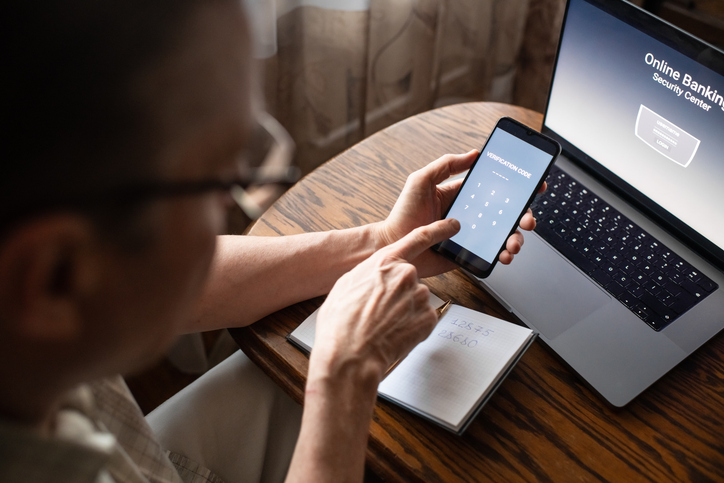
All local banks support MFA. Heck, even games like Fortnite demand it. Use it wherever you can (preferably app-based), to add a second layer of security beyond just a password.
4. Update Your Software
Browsers, apps and operating systems are constantly releasing updates to patch their security vulnerabilities. Turn on automatic updates, update manually where required, and restart your device regularly to stay ahead of hackers.
5. Browse safely
Don’t use public Wi-Fi for sensitive tasks (like payments or online banking), and consider using a VPN to encrypt your data. Also… be smart when you’re online. Phishing websites mimic real sites using dodgy links, crooked QR codes and URLS that look legit but totally aren’t. (Seriously? “www.sars-refund.org”? Don’t click on that.)
Turn on tracking protection, use https-only mode, and install a reputable ad/tracker blocker to reduce your risk of malicious ads and phishing attempts.

6. Use virtual cards for online shopping
Most South African banks offer virtual cards. These are a work of genius, and your best option for online payments. A virtual card protects you by isolating your real bank card details and using a dynamic CVV, so even if the virtual card is stolen in a data breach, your actual card will stay safe and untouched.
7. Back up your data
Your big project. Those treasured family photographs. That stack of crucial documents. They’re super important, and if you were to be hit by a ransomware attack you’d be tempted to pay whatever the crooks demand to get that data back. Outfox them by backing it all up to an external drive or a secure cloud service.
8. Mind your social media
Review your privacy settings regularly, and avoid oversharing or posting sensitive personal details (like your address, location or phone number).
Being online comes with the convenience and ease of having everything at our fingertips, be sure to keep these tips in mind and stay safe. Browse our latest stories and experience tech made easy.