
Slow WiFi can turn simple things like streaming, working from home or browsing the web into a frustrating experience. But before you blame your internet connection, there are a few things you can check at home.
Here’s how to fix slow WiFi and get a stronger, more reliable connection around your home:
3 basic steps to boost your signal
- Check your router placement.
- Reduce interference.
- Make sure your equipment is up to date.
Where should I place my router?
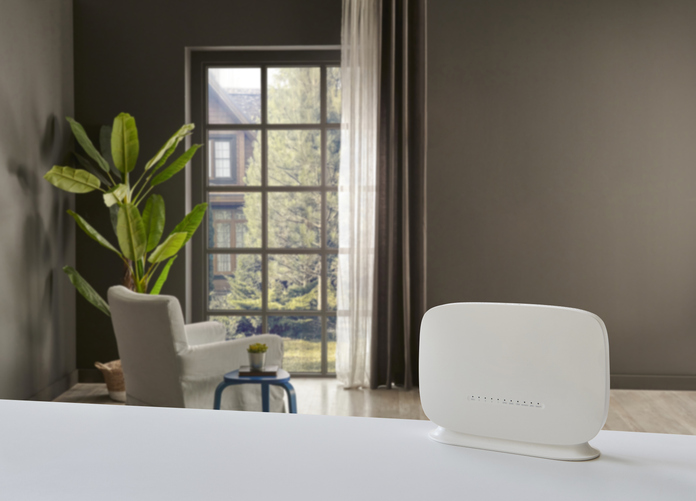
Where you put your router can make a big difference to your WiFi signal. Ideally, it should be in a central, open position; not tucked away in a cupboard or behind furniture.
Keep it off the floor and away from microwaves, cordless phones, and other electronics that can interfere with the signal. If possible, place the router higher up, with the antennas positioned as recommended by the manufacturer.
How do I reduce interference?
In short, watch out for walls and other obstacles.
WiFi signals can weaken as they travel through walls, floors and ceilings. Thick walls, metal structures and even large appliances make it harder for the signal to reach some parts of your home.
If your router is in a corner, for example, you may get a strong connection nearby but struggle in other rooms further away.
What is WiFi congestion?
Your WiFi network shares radio frequencies with other nearby networks and devices. In busy areas, several networks may be using the same WiFi channels, which can mean slower speeds or an unreliable connection.
Restarting your router sometimes helps, particularly if it’s been running for a long time. Also check that your router’s firmware is up to date and you’re using the latest WiFi settings supported by your device.
Still need better coverage? Try Mesh WiFi
If your home has multiple rooms, thick walls or more than one floor, moving your WiFi router may not be enough. A Mesh WiFi system can help extend your coverage.
Instead of relying on one router to reach every corner, Mesh WiFi uses additional units placed around your home to create a single, connected network. This helps eliminate weak spots and give you a more consistent signal in all rooms.
How does Mesh WiFi work?
- Main router. Connects directly to your modem to get internet access.
- Satellite nodes. Placed in different rooms or floors to extend the signal.
- Single network. All units broadcast the same network name (SSID) and password.
- Smart roaming. Your device automatically switches to the closest node with the strongest signal as you move around your home.
Mesh WiFi is designed to extend your home WiFi coverage, helping you stay connected, whether you’re streaming in the lounge, working from a home office or browsing from your bedroom.
Ready to improve your WiFi? Visit Vodacom to shop Home WiFi solutions.
Browse our latest stories to experience tech made easy.