
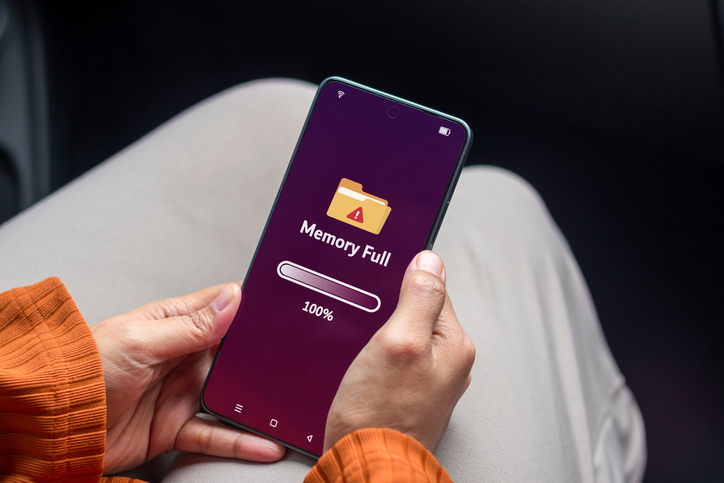
Your phone has been telling you that your storage is almost full for weeks. You’ve already deleted the blurry screenshots, cleared out old WhatsApp images and reluctantly removed a few apps – but somehow, you’re still running out of space.
The good news is that your photo gallery isn’t always the main culprit. Downloaded videos, offline entertainment, unused apps and temporary files can quietly take up a surprising amount of storage.
Here are a few ways to reclaim some space without saying goodbye to your favourite photos.
Start by finding the real storage hogs
Before deleting anything, check what is actually using your storage.
On an iPhone, go to Settings > General > iPhone Storage. You’ll see a breakdown of your storage usage and recommendations for freeing up space. On Android, go to Settings > Storage to see which categories are taking up the most room.
You might be surprised by what appears at the top of the list.
Check your offline downloads
Downloaded entertainment can be convenient when you’re travelling or don’t have a connection, but those episodes, movies, music and videos don’t disappear just because you’ve finished watching them.
Open the apps you use for entertainment and check your downloads. Remove episodes you’ve already watched, playlists you no longer need and other content you’ve downloaded for offline use.
The same applies to videos saved from social media apps.
Quick hack: Make a habit of doing a monthly “download clean-up”. If you haven’t watched it in weeks, it probably doesn’t need to live on your phone.
Offload or archive apps you don’t use
That app you downloaded for one specific occasion? The game you haven’t opened in six months? They could be taking up valuable space.
Offloading or archiving an app removes the app itself while keeping its documents and data. You can reinstall it later if you need it.
To offload apps on iPhone: Go to Settings > General > iPhone Storage. You’ll see a list of your apps and how much storage they take up, click on the arrow of the app you want to offload and tap Offload app.
To archive apps on Android: Open Settings > Apps > See all apps. Tap on the app you want o archive and select Archive.
Clear out downloaded files
Your Downloads folder can become a digital junk drawer. PDFs, videos, images, documents and other files you’ve downloaded can sit there long after you’ve finished with them.
Take a few minutes to browse your Files or Downloads app and remove anything you no longer need.
Keep your photos, lose the clutter
You don’t necessarily need to delete your memories to make room on your phone. Start with the content that’s easy to forget about: old downloads, unused apps, offline videos and temporary files.
If you’re constantly running out of storage, it may be worth looking for an upgrade on Vodacom.
Browse our latest stories to experience tech made easy.